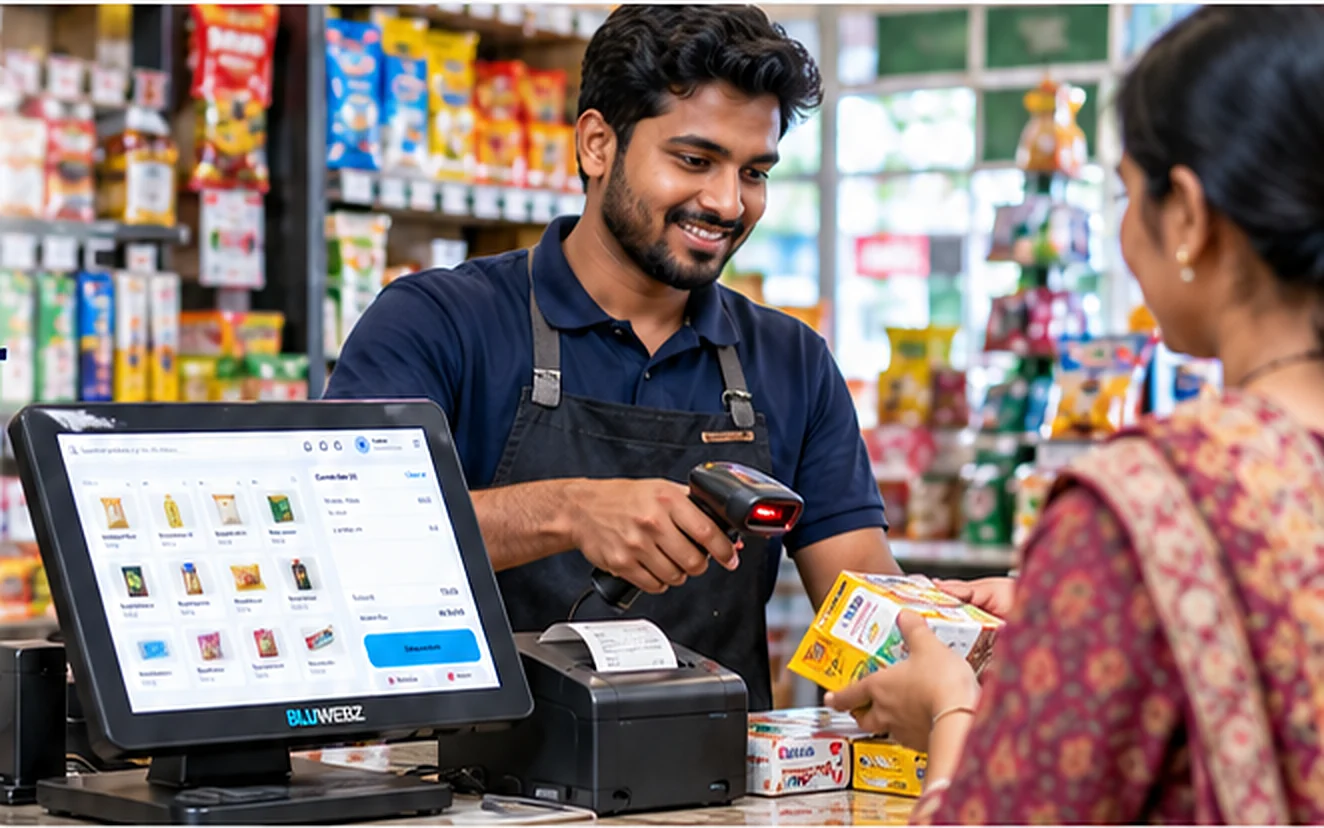
Retail POS
POS
Keep the counter moving.
Retail sales and inventory in one simple system.
Checkout walkthrough
POSSaleProductsInventoryReportsSettings
Search by product name, code or SKU…Sample items & prices
Current sale (0)
- Subtotal
- 0.00
- Total
- 0.00
Illustrative checkout — select sample products to try it. No sale is recorded and no payment is taken.
- 1
Find a product
Search by name or scan a barcode to find the right item.
- 2
Review the sale
Check items, quantities and totals before checkout.
- 3
Complete checkout
Confirm the sale and print a receipt for your customer.
Product and stock visibility.
See what’s in stock, update product information and manage your catalogue from one place.
Inventory in Smart Resource PlanningProductsAdd product
| Product | SKU | Category | Stock |
|---|---|---|---|
| Rice 1 kg | RIC001 | Groceries | 120 |
| Cooking oil 1 L | OIL001 | Groceries | 48 |
| Tea 100 g | TEA001 | Beverages | 200 |
| Soap 100 g | SOA001 | Personal care | 75 |
Day-to-day sales review.
View daily sales, top products and transaction details to keep track of your business.
Sales overviewLast 7 days
Sample figures
Confirm device compatibility for your setup.
Tell us which barcode scanners, receipt printers and terminals you use, and we’ll check compatibility before you go live.
Browse hardware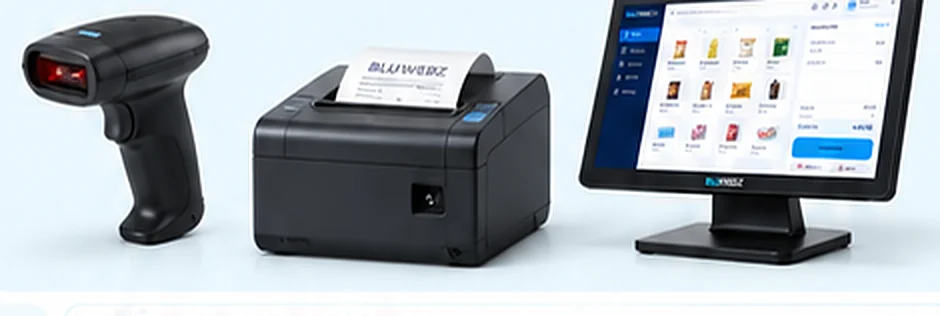
- Barcode scanners
- Receipt printers
- Counter terminals